Wired West Workbench

Current & Recent Projects

Selected work from Wired West Computers, including websites, remote support tools, drone imaging, automation, AI workflow help, custom software, and unusual technical problem-solving.

Project types -

Websites Drone Imaging Automation Remote Support AI Workflows Custom Software SEO Technical Consulting

Project Portfolio

Current / Recent Projects

Wired West Remote Ranger logo with a green Android robot centered between engraved copper revolvers
Working PrototypeAndroidRemote Assistance

Wired West Remote Ranger

Take the reins. From anywhere. Remote Ranger is an Android remote-assistance app with a browser viewer. A trusted helper can see and operate your phone from a computer or another Android device to troubleshoot apps, adjust settings, and guide setup.

How it works: Install the Android app, enable accessibility controls, and approve screen sharing. Share the phone's temporary nine-digit code with your helper, who connects through the private controller. Encrypted live video is preferred, with a slower encrypted picture fallback when a direct connection is unavailable. Either person can stop sharing.

Built for practical phone support. Remote Ranger addresses a familiar need in Android remote assistance: giving family, customers, and small businesses hands-on help when verbal instructions fall short. Its focused viewer brings taps, swipes, mouse-wheel scrolling, zoom, fullscreen, and connection timing together. Separate Home and Back buttons help the helper navigate even when an app hides its screen.
In active development. Remote Ranger 0.6.1 is being tested around the Galaxy Z Fold5. Compatibility testing continues; Android permissions and protected-screen restrictions still apply.

View Remote Ranger prototype →
Wired West Cutworks approved copper and cream logo with crossed revolvers, a USB trident, and an interlaced film ribbon
Working PreviewWindows & WebVideo Editing

Wired West Cutworks

Your footage. Your story. Cutworks is Wired West’s video editor for Windows and the browser, with a familiar media library, preview player, inspector, and five-track timeline. Trim, split, and layer clips; add titles, keyframe movement and color, and mix two audio tracks with volume controls and fades.

Explore 500 named transition presets, animated previews, filters, effects, and 50 workspace themes. Save projects locally or as portable .cutworks files, and export MP4 or WebM with resolution and frame-rate choices up to 4K and 120 fps, subject to your device’s codec and performance support. Optional AI tools and Google Drive / Dropbox connections use your own provider configuration.

Open Cutworks in your browser → Download for Windows · x64 installer (120.8 MB) →

Version 0.4.0 developer preview. The Windows installer includes the app and requires no separate Node.js installation. It is currently unsigned. Keep backups of your projects; browser support and available memory affect larger exports.

CaseOh’s March to a Billion title artwork with a pixel-art streamer, gifts, snacks, and game power-ups
Playable AlphaWindowsAndroid TV

CaseOh’s March to a Billion

An unofficial fan-game platform adventure where CaseOh battles through ten original worlds on the way to one billion fictional subscribers. Collect tokens, unlock ten themed weapons, time jumps and dashes through moving platforms and hazards, and defeat a three-phase boss at the end of each world.

Original pixel artwork, music, sound effects, power-ups, checkpoints, and save-and-resume support give this playful streamer-inspired project its own arcade personality. The Windows download is the complete portable version 0.5: extract the ZIP and keep its assets folder beside the executable. A separate Android TV build is also available.

Download for PC · Windows ZIP (45.7 MB) → Download for Android TV · APK (59.3 MB) →

Windows 10/11, 64-bit. The Android build is intended for Android TV / Google TV; phone compatibility has not been verified.

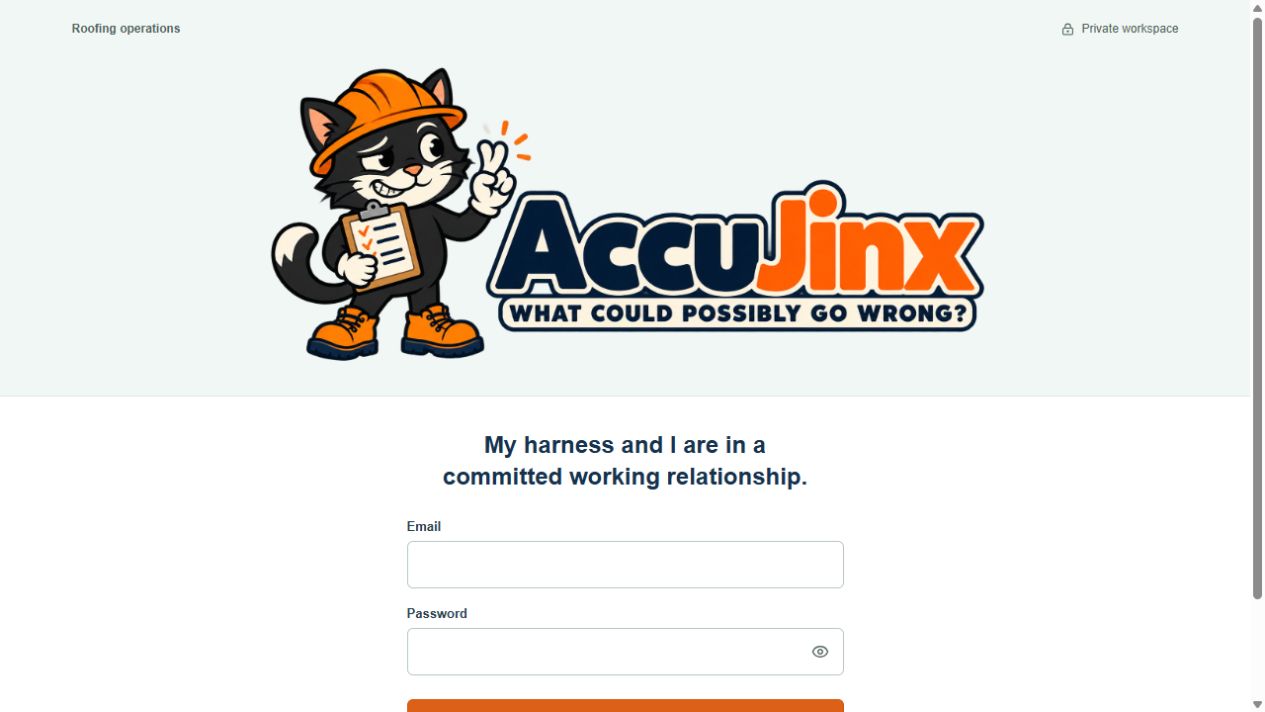
AccuJinx private roofing operations sign-in page with its black-cat roofer mascot and What could possibly go wrong branding
In DevelopmentBusiness SoftwareRoofing Operations

AccuJinx — Roofing Operations

What could possibly go wrong? AccuJinx is Wired West’s custom roofing operations software, bringing customers, jobs, estimates, production schedules, tasks, material orders, expenses, and invoices into a private browser workspace. Job maps help organize locations, while linked records keep the details of each project together.

The project combines a responsive interface, company workspaces, secure sign-in, and a memorable black-cat roofer mascot. It is actively being developed and tested around practical roofing workflows. The linked site opens its private sign-in page; workspace access requires an authorized account.

Visit AccuJinx →
Pixel-art Adair playground with swings, a slide, Iowa farmland, and the yellow smiley-face water tower
LiveBrowser GameCustom Software

Forrest’s Zip Line Adventure

A playful browser arcade game set in an original pixel-art playground in Adair, Iowa, with the town’s yellow smiley-face water tower in the background. Help Forrest film his zip-line adventures: time the launch, lean against gusts, manage tuck energy, and brake for the finish before he bottoms out.

Five increasingly challenging courses reward timing and practiced control. Expressive voice clips, music, custom sound effects, flying phones, tumbling sunglasses, and humorous wipeouts bring each attempt to life. Even a spectacular crash can boost the in-game YouTube viewer tally, with fullscreen play and controls for desktop and mobile.

Play Forrest’s Zip Line Adventure →
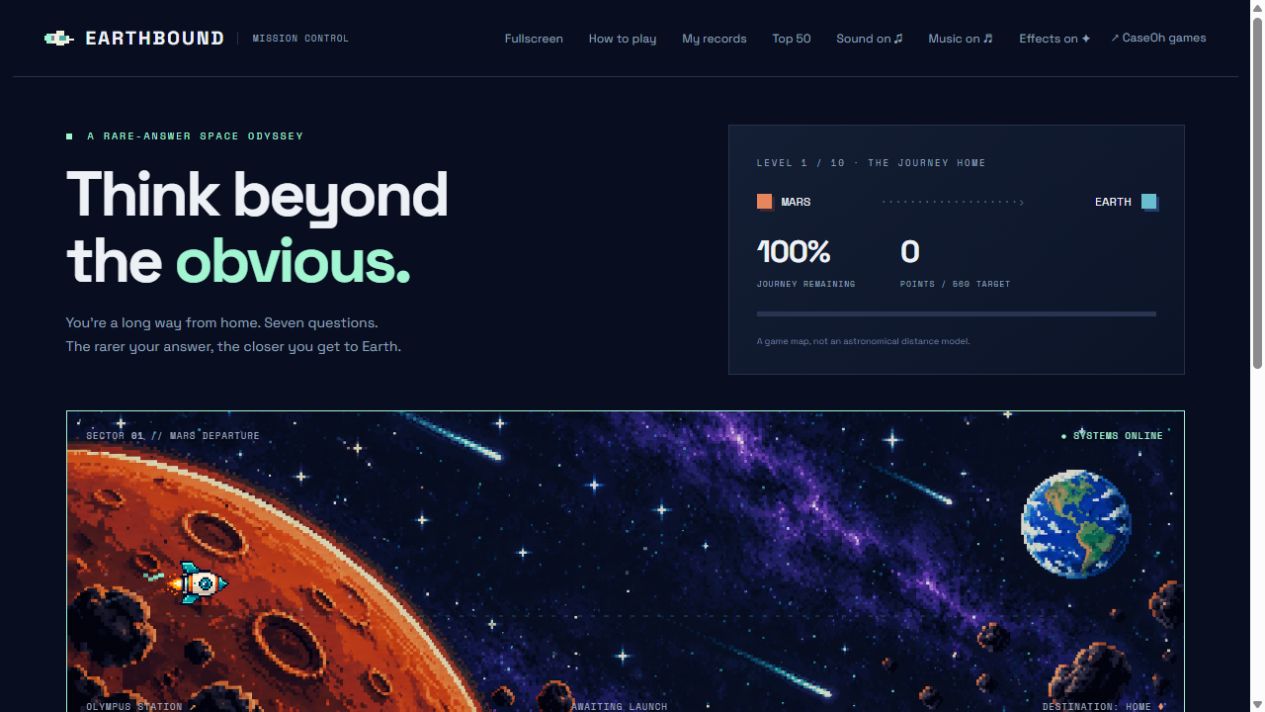
Earthbound game showing the Think beyond the obvious introduction and pixel-art journey from Mars to Earth
LiveBrowser GameCustom Software

Earthbound — A Rare-Answer Space Odyssey

Think beyond the obvious. Earthbound is a browser game that turns everyday general-knowledge questions into a journey from Mars to Earth. Correct answers fuel your spaceship, while unusual answers earn bigger boosts. Rare Finds double your thrust, and Legendary answers send you racing through a colorful warp tunnel straight home.

Ten increasingly challenging levels combine shorter answer timers, original pixel-art scenery, music, sound effects, and suspenseful flight animations. Flexible answer matching accepts alternate terms and common spelling mistakes. Personal records and an optional public Top 50 scoreboard add reasons to try another flight, with fullscreen play on desktop and mobile.

Play Earthbound →
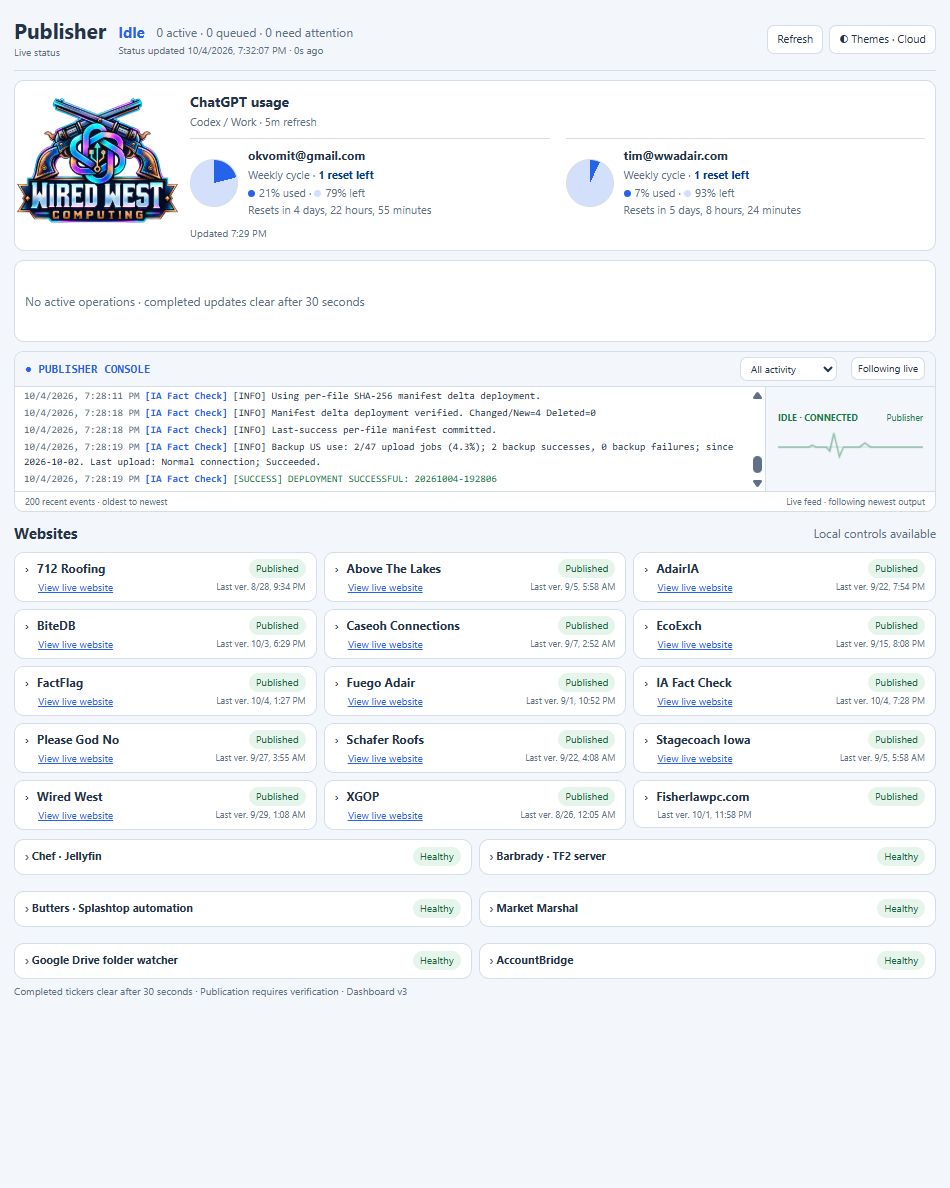
AI Publishing Panel v3 showing account usage charts, live publisher activity, published websites and service health
CurrentAI & AutomationPublishing & Monitoring

AI Publishing Panel v3

A central dashboard built by Wired West Computing to manage and monitor AI-assisted website publishing. It brings publication status, active operations, a live publisher console, website links and verification times together in one compact, theme-aware page.

Separate account usage charts show how much of the current Codex / ChatGPT Work cycle is used, how much remains, when it resets and how many manual resets are left. Service health panels track connected computers, automation and AccountBridge, with specific warnings highlighted and sleeping computers given time to reconnect.

In use on the publishing computer. The panel helps keep releases, usage limits and connected services visible in one place.

View full panel screenshot →
Wired West AI Remote logo, powered by Splashtop
CurrentAI & AutomationCustomer Technical Support

Wired West AI Remote — A Leap Forward in Automated Technical Support

Describe the problem. Let your support assistant get to work. Wired West AI Remote turns a simple conversation into hands-on help for an authorized customer computer. Name the computer and explain what needs fixing from your phone or browser. The assistant finds the right machine, connects through Splashtop, investigates the issue, and carries out troubleshooting and repairs within the approved task.

From printer trouble and file-sync problems to software setup and everyday Windows issues, it can work directly with the desktop while keeping you informed through a live activity log. It asks for clarification when needed, queues additional requests, and provides completion alerts plus an emailed session recap covering what it did, how long it took, and the outcome. It also works to restore the original desktop view when finished, preserving existing windows and unsaved work.

A major step forward for customer support: practical AI assistance that can investigate and act, with secure sign-in, password or passkey access, and a clear record of the work. Built by Wired West to reduce repetitive support work and help customers get back to business.

Explore AI Remote →
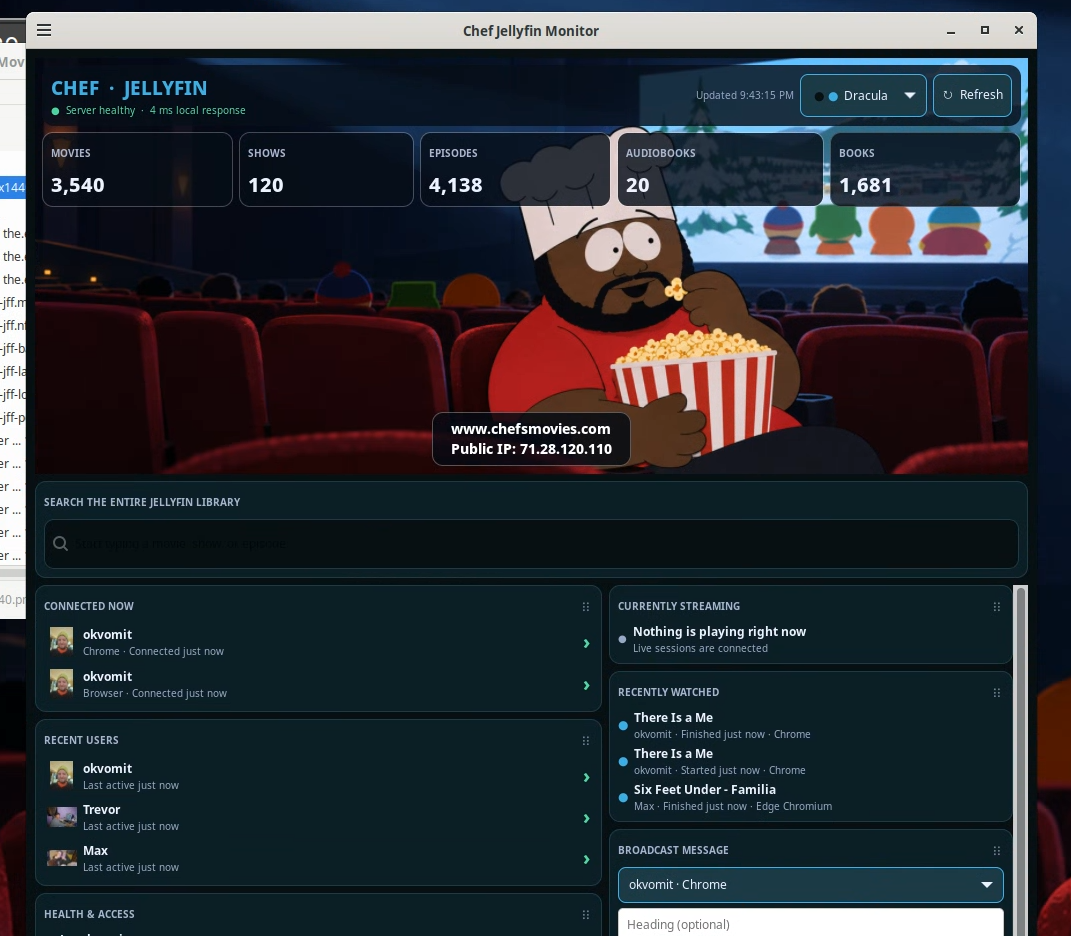
Chef Jellyfin Monitor dashboard showing library totals, connected users, recent viewing, and streaming status
Current Software Linux & Windows

Chef's Jellyfin Watch Together / Monitor for Linux and Windows

The Chef Jellyfin Monitor is a combined server dashboard and management suite. It shows server health, HTTPS status, public IP, library totals, connected users, current streams with progress and approximate location, recent viewing activity, storage, user profiles, message overlays, search, and quick Jellyfin controls. It also includes the Watch Together manager for synchronizing playback between Jellyfin users and sessions.

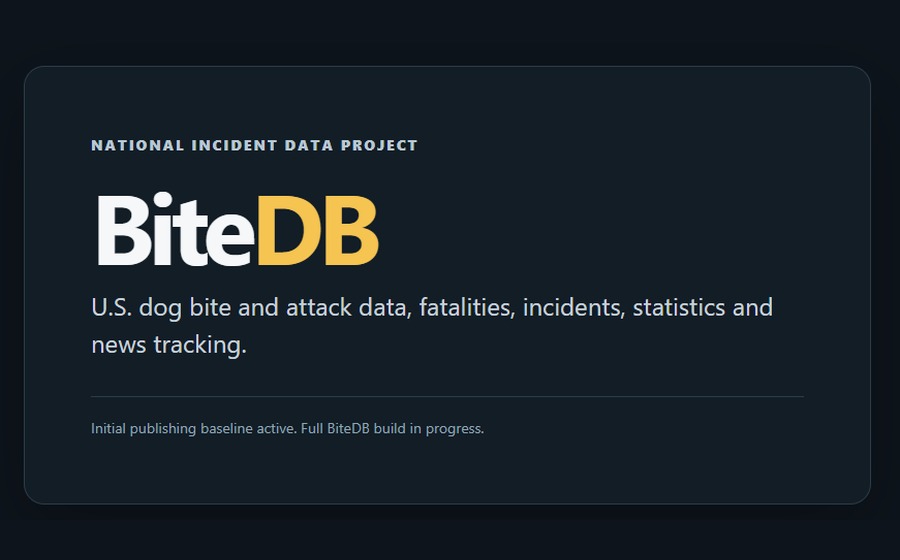
BiteDB national U.S. dog bite and attack incident data project under construction
Under Construction Website / Data Project Built with FORGE

BiteDB — National Dog Bite & Attack Data Project

BiteDB is a U.S. dog bite and attack incident-data project being built to collect, organize, cross-reference and publish information about dog bites, serious attacks, fatalities, individual incidents, statistics and related news. The goal is to turn scattered incident reporting and source material into a structured public reference that can grow over time instead of remaining a collection of isolated articles.

BiteDB is being developed on Wired West Computing’s FORGE publishing framework. FORGE provides the research-and-publishing workflow behind the project: investigate new material, verify and preserve sources, structure the findings into reusable records, build and compare website updates, validate the package, publish it, and continue expanding the underlying data model as new information becomes available.

The full BiteDB site is currently under construction. The public site is an initial publishing baseline while the incident database, research model, statistical views, source structure and ongoing news-tracking tools are being built out.

FORGE-powered and actively being built.Research · Verify · Structure · Build · Publish · Expand
View BiteDB →
FORGE autonomous research, website generation and self-publishing platform by Wired West Computing
Current AI Platform Autonomous Research & Publishing

FORGE — Autonomous Web Research & Publishing Platform

FORGE — Framework for Orchestrated Research, Generation & Expansion — is Wired West Computing’s self-building platform for advanced website research, structured data modeling and automated publishing. It is designed to continuously discover and evaluate information, organize it into an expanding website data model, generate and extend pages, connect related people and topics, preserve source and evidence trails, and publish new material automatically. The system combines autonomous research, learning and feedback workflows, content generation, site-building and self-publishing so a website can keep growing in depth, context and organization rather than remain a static collection of pages. FORGE is the underlying platform concept behind large, continuously expanding research projects such as IA Fact Check and FactFlag.

Built to research, organize, expand and publish continuously.Self-researching · Self-building · Evidence-aware · Self-publishing
Explore FORGE →
Fuego Mexican Restaurant website project by Wired West Computers
CurrentWebsiteRestaurant / Digital Menu

Fuego Mexican Restaurant — FuegoAdair.com

A complete restaurant website and digital-menu rebuild for Fuego Mexican Restaurant in Adair, Iowa. The project combined a brand-forward responsive site with a structured 187-item searchable menu, quick-scan food and dietary tags, Fuego Favorite highlighting, live open/closed business-hours status, Toast pickup-ordering integration, customer reviews, gallery and local/I-80 SEO. The drinks work expanded into visual beer, tequila and mezcal guides with brand imagery, tasting notes and food pairings, plus a presentation-ready printable restaurant menu with QR links for the website and online ordering.

View Project
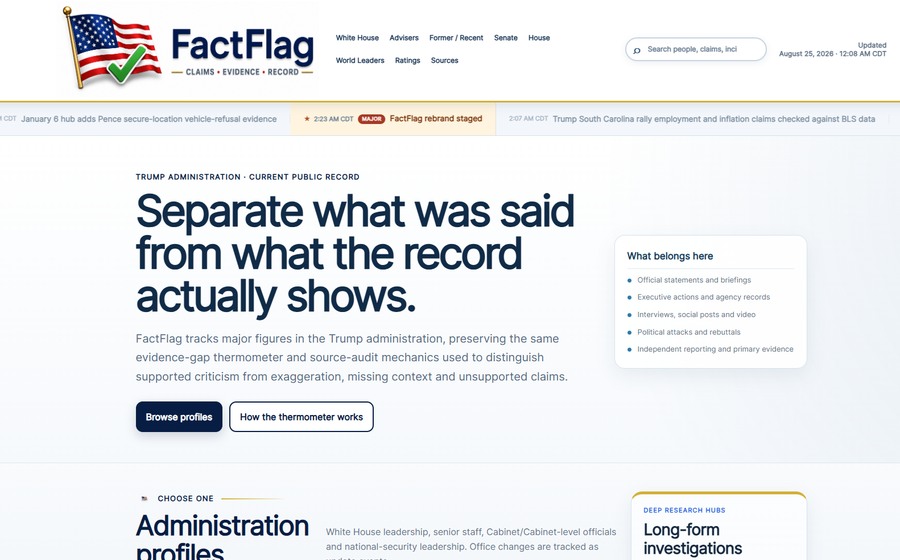
FactFlag public-record research and fact-checking website project
Current Website Public-Record Research Built with FORGE

FactFlag.org

FactFlag is a continuously updated public-record and claims-research website covering the Trump administration, senior officials, Congress, advisers and envoys, selected world leaders, and major cross-profile subjects. The project organizes dated claims and actions alongside primary government records, court filings, source ledgers, responses and disputes, subject filters, multimedia, and long-form research hubs such as the January 6 record. Its FactFlag evidence-gap rating system visually separates evidence-based claim reviews from public-record material that is not appropriate for a numerical rating.

Projected full-build scope Approximate planned scale — not live counters
1,500+People & institutions
750+Topics & research threads
50K+Claims, actions & events
250K+Source & evidence records
FORGE-powered public-record research and publishing.Research · Verify · Connect · Build · Publish · Expand
View Project
Thumbnail for the TabPulse Tile Chrome Extension project
Recent Software Browser Extension

TabPulse Tile Chrome Extension

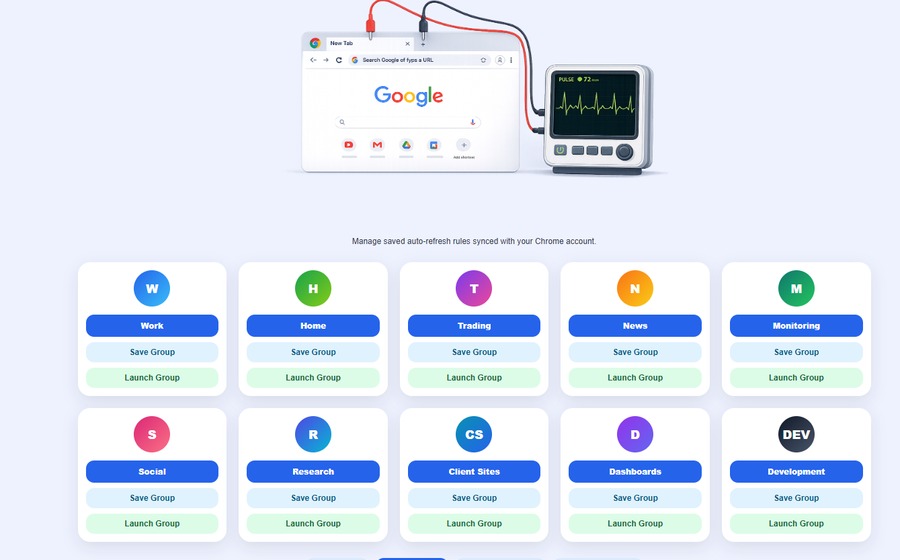
A visual multi-monitor Chrome Tile Manager for arranging browser windows across large monitor layouts, saving and restoring workspaces, building live layouts, managing monitor drafts, and controlling multi-window tab organization with a clearer updated dashboard interface.

View Project
Thumbnail for the IA Fact Check website project
Recently Completed Website Research Built with FORGE

IA Fact Check

An Iowa 2026 candidate research and independent source-review website built to organize candidate profiles, claim reviews, source links, rating explanations, candidate navigation, office categories, and plain-language summaries into a clean public-facing reference site.

FORGE-powered candidate research and source review.Research · Verify · Organize · Build · Publish · Expand
View Project
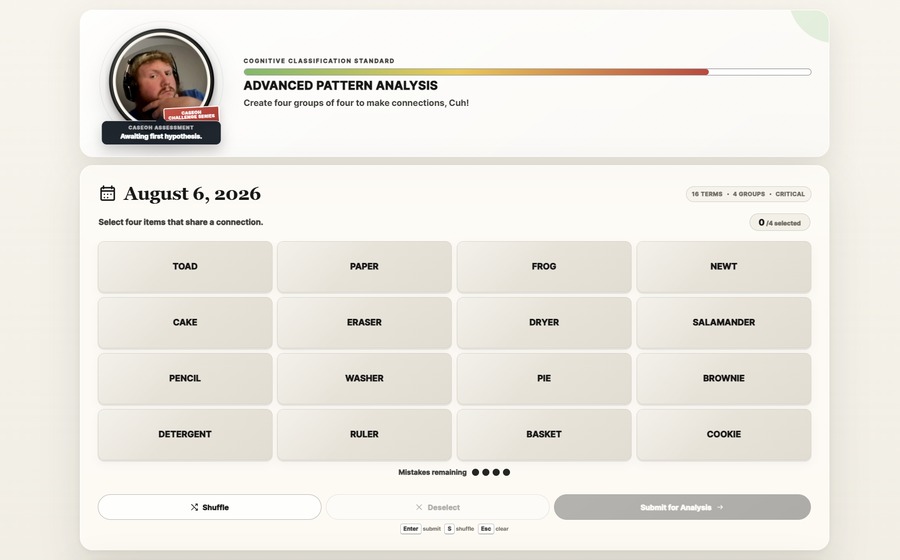
Thumbnail for the CaseOh Connections website project
Completed Website Game

CaseOh Connections

A simplified, satirical version of the New York Times Connections-style word grouping game, aimed specifically at our favorite Twitch streamer, CaseOh. The project turns intentionally obvious puzzle groups into a polished browser game with custom branding, puzzle navigation, oversized seriousness, and a responsive game interface.

View Project
Thumbnail for the Image Wrangler project
Under Development Software Windows Utility

Image Wrangler

A Windows image utility project built to add practical right-click image tools, including quick image conversion, resizing, optimization, and file-handling workflows that make everyday image cleanup faster without opening a full editor. Direct Windows x64 installer available below.

Download Windows x64 Installer View Project
Thumbnail for the RightClick Wrangler project
Under Development Software Windows Utility

RightClick Wrangler

A Windows context-menu management project for organizing, previewing, and controlling right-click menu entries. It is designed to make Windows 11 context menus easier to understand, customize, reorder, back up, and clean up safely. Direct Windows x64 installer available below.

Download Windows x64 Installer View Project
Thumbnail for the Forrest Steam Server Manager project
Under Development Software Game Servers

Forrest Steam Server Manager

A native Windows desktop manager for discovering, installing, updating, configuring, and monitoring SteamCMD dedicated game servers. It is built around a Windows interface, background service, SteamCMD workflows, server profiles, catalog discovery, diagnostics, and a more approachable way to manage dedicated game servers.

View Project
Thumbnail for the Forrest TF2 Manager project
Under Development Software TF2 Server

Forrest TF2 Manager

A Windows desktop manager for Team Fortress 2 dedicated servers. It handles SteamCMD updates, server start and stop controls, RCON, map changes, configuration, SourceMod content, logs, scheduling, FastDL, and a package-aware installer for maps, plugins, and server content.

View Project
Thumbnail for the Ventoy Builder project
Under Development Software USB Utility

Ventoy Builder

A Windows front end for building, organizing, and customizing Ventoy multiboot USB drives. It is designed to make Ventoy easier by guiding USB selection, boot image organization, friendly menu names, boot order, live logs, progress feedback, and automatic Ventoy menu generation.

View Project
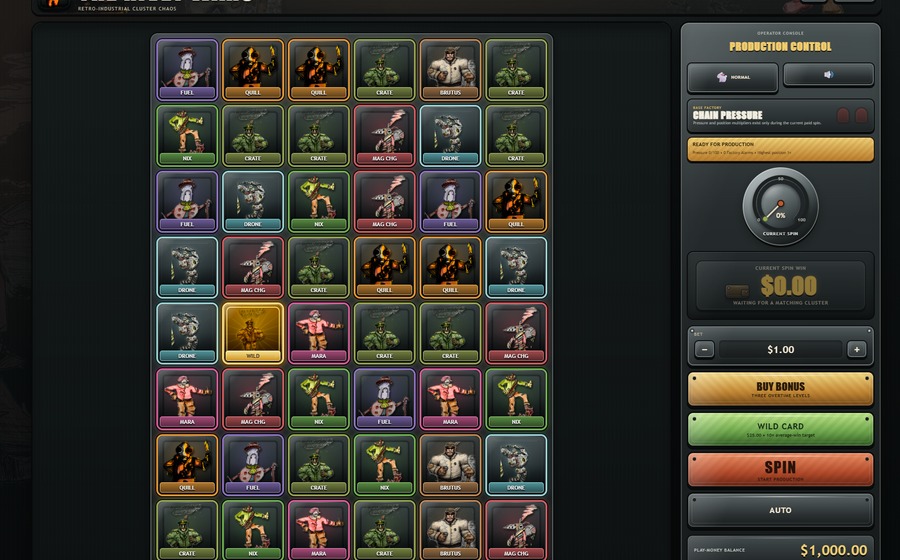
Thumbnail for The Rivet Wars video slot prototype project
Under Development Software Game Prototype

The Rivet Wars

A prototype video slot experiment built from scratch as a web-based play-money game. The project uses original character drawings created by Tim’s 12-year-old, then turns them into a retro-industrial slot interface with custom symbols, rules, bonus ideas, pressure-gauge mechanics, sound design, and animated gameplay experiments.

View Project
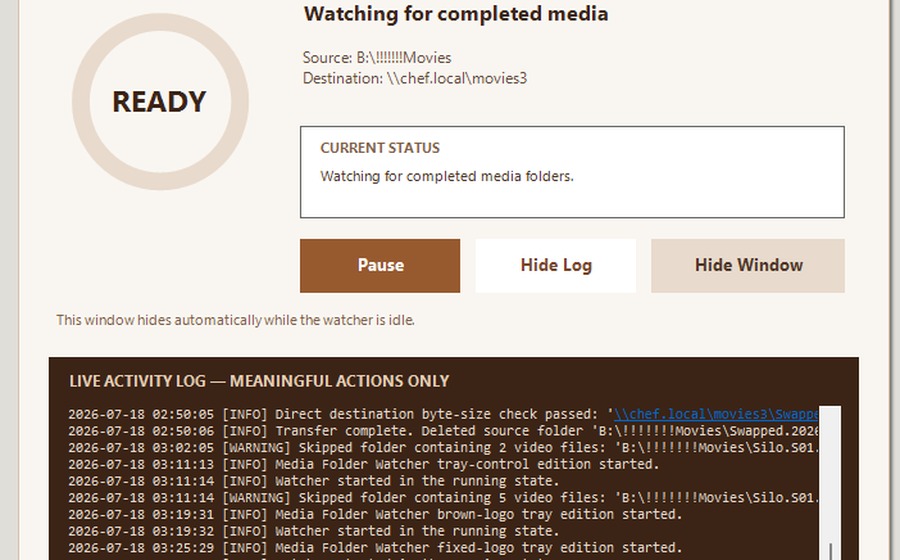
Thumbnail for the Media Folder Watcher project
Current Software Automation

Media Folder Watcher

A Windows tray utility that watches for completed media folders, moves finished transfers to a destination share, shows meaningful live activity logs, and gives the user simple pause, resume, log, and hide controls.

Project details coming soon
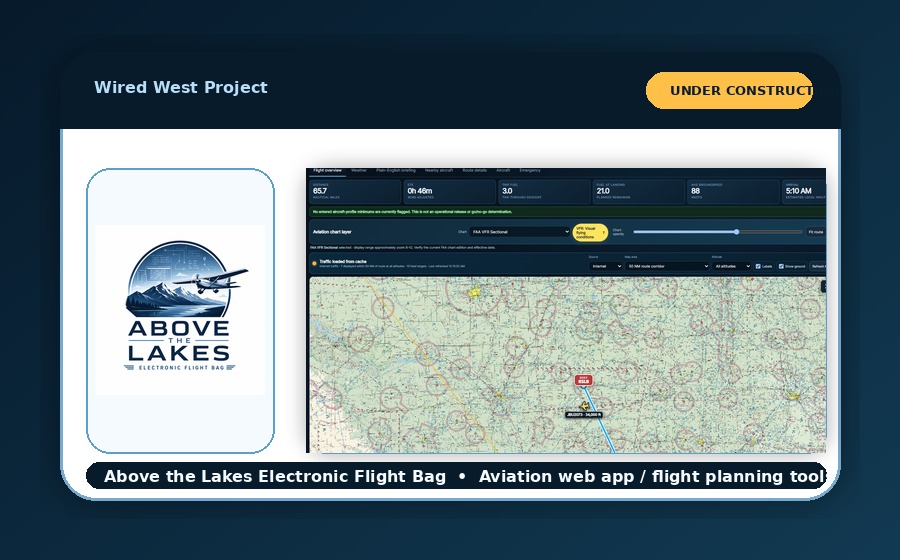
Thumbnail for the Above the Lakes Electronic Flight Bag website project
Under Construction Website Aviation

Above the Lakes Electronic Flight Bag

An aviation website and electronic flight bag being built with route planning, weather review, plain-English briefings, nearby aircraft awareness, chart layers, aircraft profile details, and pilot-friendly flight overview tools.

View Project
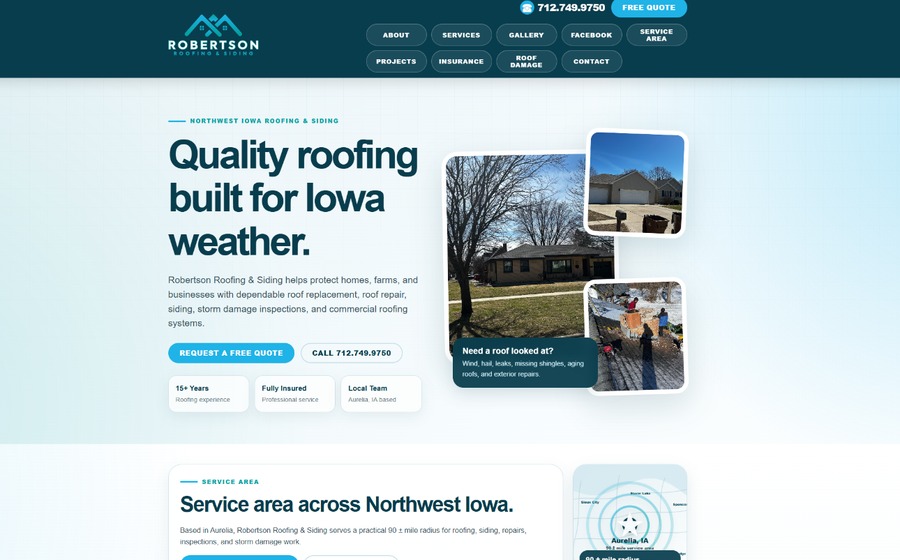
Thumbnail for the Robertson Roofing Website project
Current Website Business

Robertson Roofing Website

Uses a custom built project tracking system that dynamically builds web pages automatically to display and showcase projects and the towns they are taking place in.

View Project
Thumbnail for the Wired West Computers Website project
Current Website Business

Wired West Computers Website

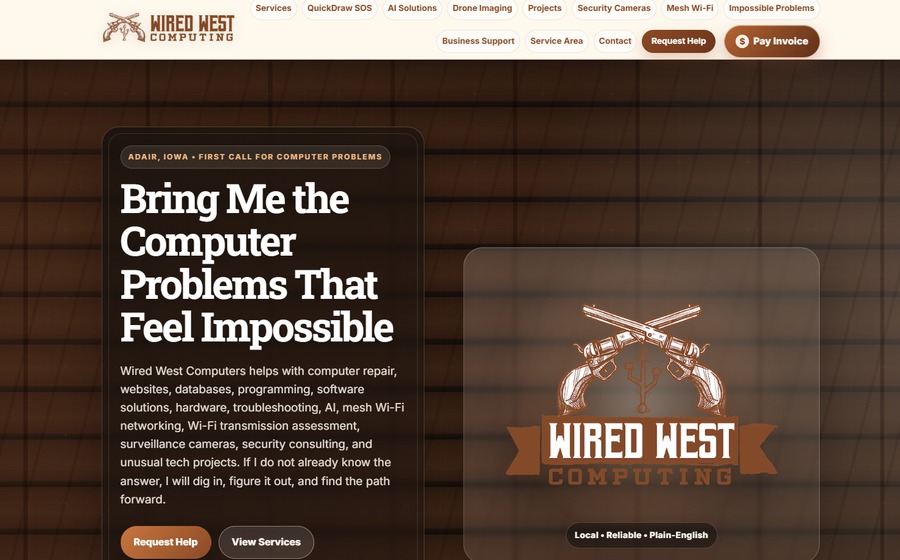
The main Wired West Computers business website, built to showcase computer repair, remote help, drone imaging, AI support, payment links, service area information, and practical technology problem solving.

View Project
Thumbnail for the TabPulse Chrome Extension project
Recent Software Browser Extension

TabPulse Chrome Extension

A Chrome extension project for saved auto-refresh rules, grouped browser workflows, scheduled refresh behavior, and tab automation. Its refresh-monitoring ideas are now also integrated into TabPulse Tile so tiling, workspace layout, and refresh behavior can work together.

View Project
Thumbnail for the SetFlow Server Manager and SetFlow Sender construction drawing set manager project
Recent Automation Printing

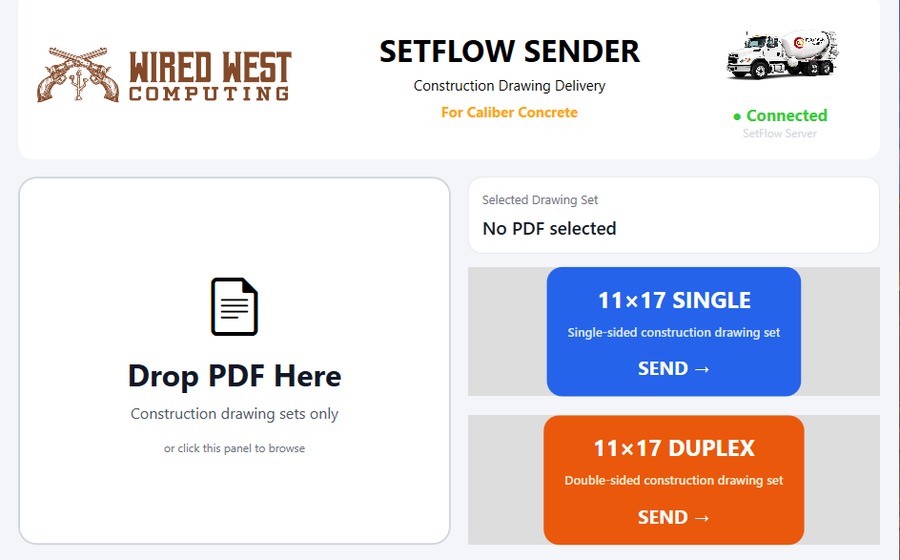
SetFlow Server Manager / SetFlow Sender Construction Drawings Set Manager / Handler for Construction Business

A custom print workflow and automation project involving SetFlow, PaperCut, printer queues, PDF handling, and a smoother path for sending jobs through a controlled print process.

Project details coming soon
Thumbnail for the Schafer Roofing Website project
Recent Website SEO

Schafer Roofing Website

A roofing website and SEO-focused project with polished service sections, local-search structure, project galleries, customer review presentation, and a professional layout for storm-damage and roofing customers.

View Project
Thumbnail for the Stagecoach Ranch Website project
Recent Website Business

Stagecoach Ranch Website

A custom land-sale website project for Stagecoach Ranch, built around strong rural branding, property marketing, visual storytelling, maps, photos, video, and polished real-estate presentation.

View Project
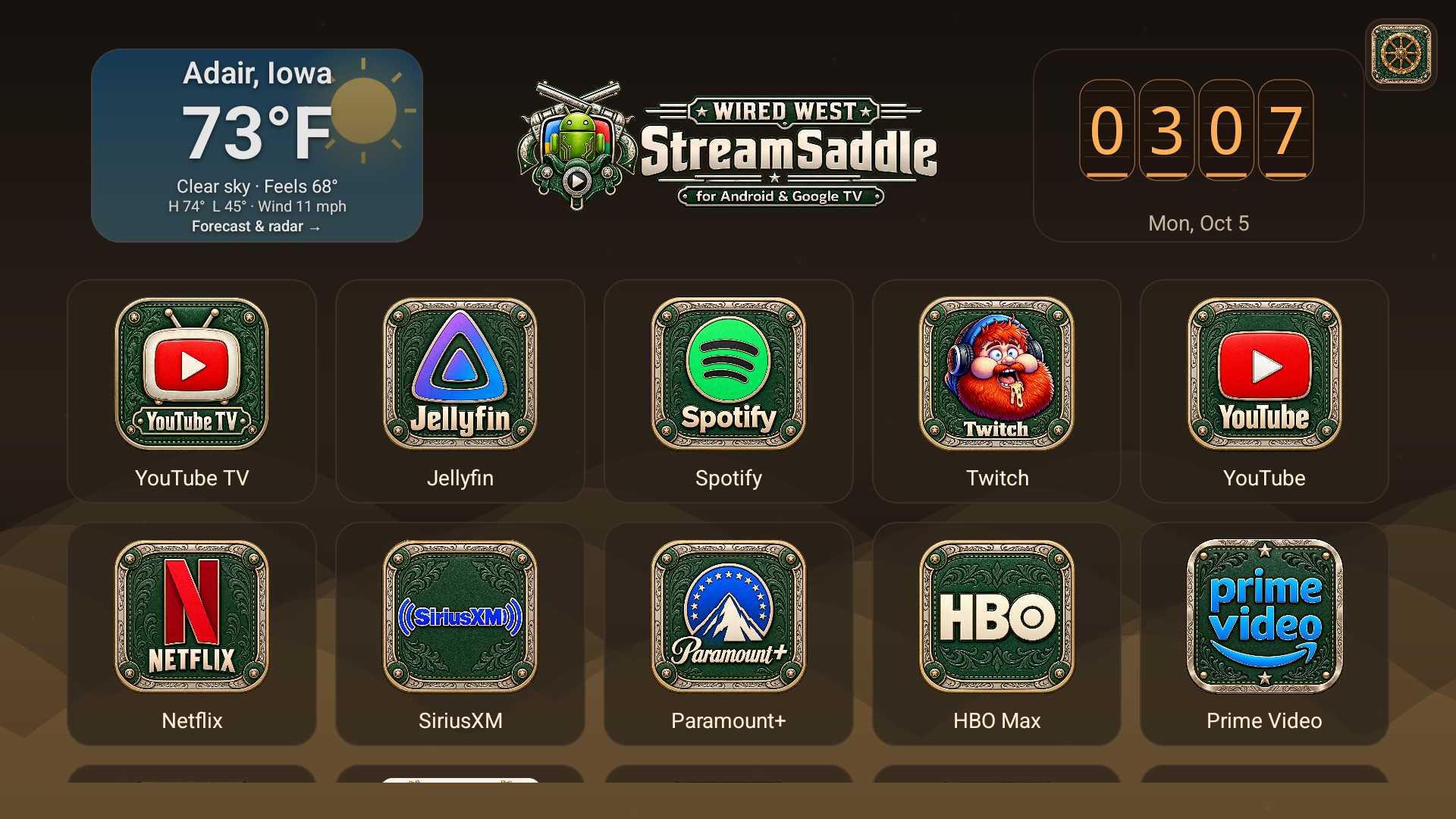
StreamSaddle on Google TV Streamer: centered Wired West branding, large weather and clock, top-right wagon wheel and green leather streaming app icons
Working PrototypeAndroid / Google TVLauncher

StreamSaddle — Your TV, Your Way

Your apps, your layout, your look. StreamSaddle replaces the TV home screen with a centered Wired West brand, easy-to-read weather and clock displays, and a large scrolling app grid. Start with YouTube TV, Jellyfin, Spotify, Twitch and YouTube; hold OK to move or remove a shortcut, and restore hidden apps through settings.

Choose from 52 themes and 50 clock faces, customize time/date formats, explore detailed weather and forecasts with radar options, and configure an optional news ticker, autolaunch triggers and branded screensaver. Matching high-resolution green leather and engraved brass artwork keeps streaming shortcuts familiar. The top-right wagon wheel opens theme, app and launcher settings; Remote Ranger is available in the app list.

New: 1.1.0 preview · October 5, 2026. Tested on physical Chromecast with Google TV and Google TV Streamer hardware, with earlier Android TV emulator checks. The owner confirmed YouTube → YouTube TV and Netflix → Jellyfin remote-button behavior on the Streamer after enabling StreamSaddle remote shortcuts, including Netflix pressed from inside YouTube TV. Full Remote Ranger helper-to-TV video/control testing remains pending.

Download StreamSaddle 1.1.0 APK (117.9 MB) · Release notes & setup guide

What changed and what was fixed
  • More useful Home space: weather left, clock right, both centered between the logo and screen edges. Bigger town, temperature and clock readouts; bottom 70% dedicated to the editable app grid.
  • Easier app organization: hold OK for Move shortcut, Remove from home or Cancel. Move with the D-pad and press OK to finish; restore shortcuts under Apps settings. Fixed the menu disappearing on release of the original long press.
  • Cleaner navigation: moved theme selection and Edit app layout into the top-right wagon wheel. Removed the Home app heading and movement instructions. Play Games, Play Movies and Play Store are hidden from Home without uninstalling them.
  • Matching artwork: larger green leather/brass icons for streaming apps, including Twitch, Hulu, Tubi, Shudder, Roku, Disney+, Pluto TV and ESPN+, plus a matching wagon-wheel Settings badge. Artwork is applied when the associated app is discovered; apps are not bundled.
  • Remote shortcuts: physical YouTube opens YouTube TV and physical Netflix opens Jellyfin across foreground apps. The optional accessibility handler must be enabled. Remote settings now link to Android Accessibility to enable or restore it.
  • Google TV Home setup: verified device-specific launcher setup on the Chromecast and Streamer. Some firmware requires disabling Google's launcher and, on the tested already-configured Streamer, its setup-recovery fallback. See the setup guide for reversible commands and model-specific limits.
Installation, updates and remote-button setup

Development preview: debug-signed, version code 3, not a Google Play release. Android TV / Google TV is intended; Remote Ranger requires Android 11 or later. Streaming apps and subscriptions are separate. Keep the stock launcher installed during setup.

  1. Download and transfer: save the APK above and transfer it to the TV with a file-transfer app, supported USB storage, or ADB.
  2. Install: allow the chosen TV file manager to install unknown apps when prompted, then open the APK. Install over the existing compatible signed preview to preserve settings; uninstalling first deletes them.
  3. Open and customize: start StreamSaddle from the TV app list. Use the wagon wheel for Themes, Apps, Clock, Weather, News and Autolaunch. Hold OK on an app for move/remove choices. Click the weather pill for current conditions and future forecasts.
  4. Enable remote buttons: wagon wheel → Remote → Remote button accessibility settings → enable StreamSaddle remote shortcuts. This handler filters app-button keys and does not read screen contents. It is separate from Remote Ranger's control service. If Android turns it off after an update or force stop, enable it again. The app-grid Netflix and YouTube icons continue launching their named apps.
  5. Optional default Home: choose StreamSaddle in Android's default Home settings if available, or use the ADB Home command below. Google TV firmware can override it; use the detailed setup guide or contact Wired West for the tested reversible launcher-disable procedure. Restore disabled stock packages and the previous Home/screensaver before uninstalling StreamSaddle.

For ADB, install Android SDK Platform Tools, enable TV developer options and debugging, and approve the connection. Wireless pairing and connection ports are different; use the TV's current values. The pairing command prompts for its code.

adb pair TV_IP:PAIRING_PORT
adb connect TV_IP:CONNECTION_PORT
adb -s TV_IP:CONNECTION_PORT install -r StreamSaddle-1.1.0-preview.apk
adb -s TV_IP:CONNECTION_PORT shell am start -n com.example.streamsaddle/.MainActivity

# Optional default Home request
adb -s TV_IP:CONNECTION_PORT shell cmd package set-home-activity com.example.streamsaddle/.MainActivity

Feature limits: YouTube TV manages its playback position. A stale resume position was observed on the test Streamer; restarting YouTube TV returned it to its home screen. Automatic last-channel playback at the live edge is not guaranteed; select the channel through YouTube TV's Live guide. Weather requires internet; radar uses US National Weather Service coverage. Autolaunch timers run while the launcher is active. Remote Ranger asks for screen-capture approval. Uninstalled apps do not become available simply because custom artwork exists. Other TV models and firmware may differ.

APK SHA-256: edac5547e4320f1ae3b18cc97802110958b92357fdc5d1458de2086433734e8f

Android Platform Tools · Official ADB setup guide · Full release notes, Home setup and rollback instructions